


Plotarea Aspect Ratio
There is no easy way to size the plot area of a chart to have the same height/width ratio. Even once you managed to get the ratio set resizing the chart will undo your hard work.This trick will force the plot area to have the same height/width ratio and maintain that ratio when resizing the chart.
The charts on the right show the resulting aspect ratios after widening the chart areas.
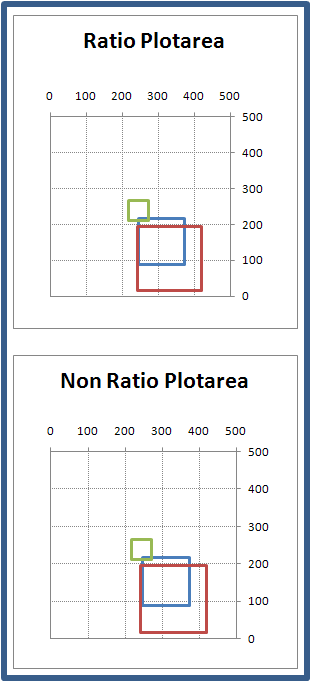
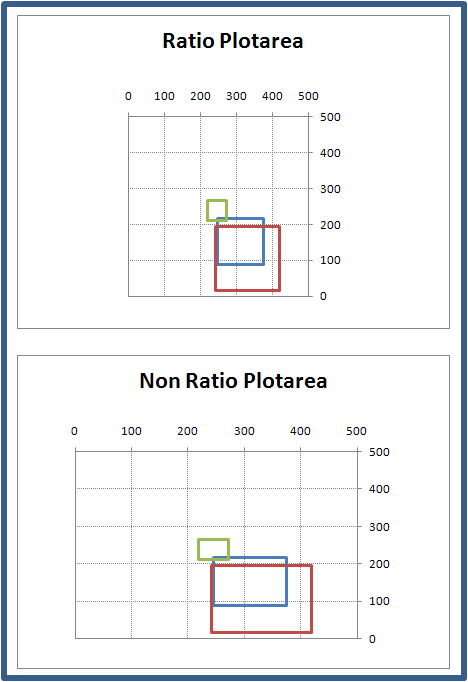
The trick is you add an additional series and plot it as a pie chart. The chart will then automatically make the plotarea aspects equal and maintain the ratio when resizing the chart
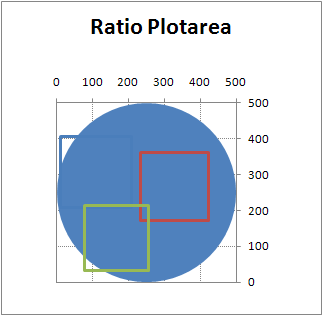
The workbook contains detailed instructions on how to set up the chart
xl2007 download

xl2003 download